IPTV on Firestick: the complete install guide.
Turn any Amazon Fire TV Stick into a full IPTV box. Install the best IPTV app, log in with your GoldenOTT details, and watch 22,000+ channels in 4K — step by step.
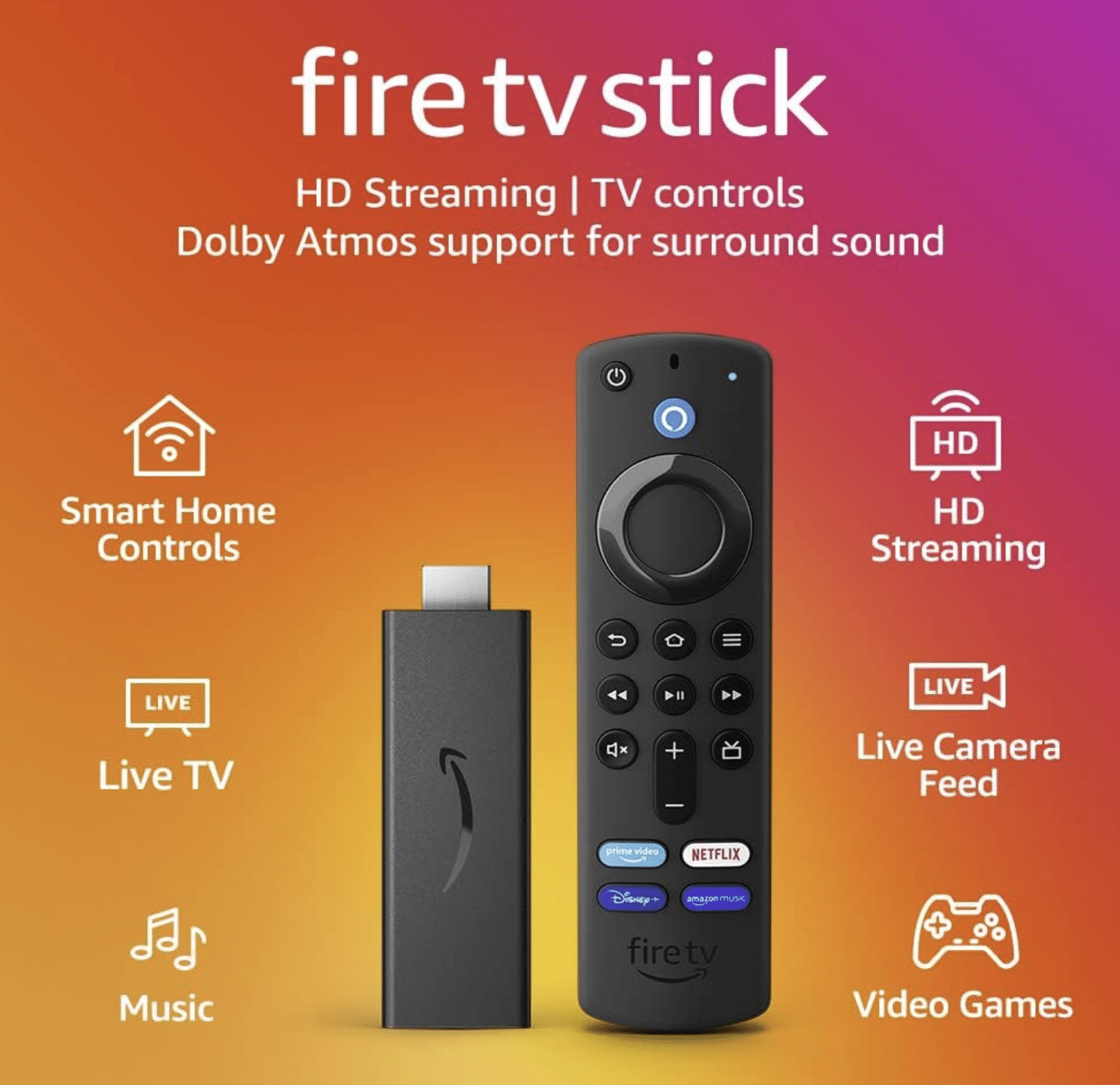
Can you get IPTV on a Firestick?
Absolutely — the Firestick is the most popular device for IPTV, and you don’t need to jailbreak it.
Because Fire TV runs on Android, you can “sideload” IPTV player apps that aren’t in the Amazon store using a free tool called Downloader. Once the app is installed, you simply log in with the Xtream Codes or M3U details from your provider and start watching. The whole process takes about five minutes.
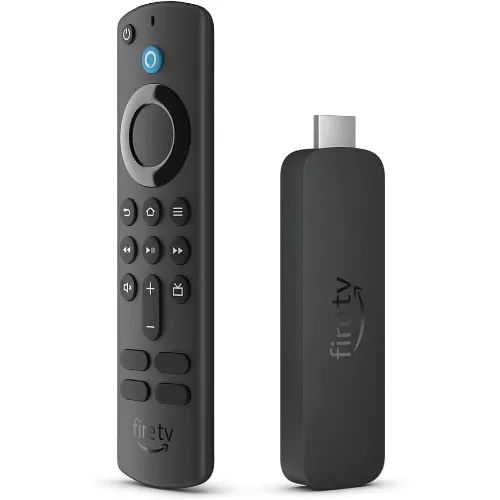
How to install IPTV on Firestick
Six steps, about five minutes — works on every Fire TV Stick.
Enable unknown apps
Settings → My Fire TV → Developer Options → turn on Apps from Unknown Sources.
Install Downloader
Search the Fire TV home for Downloader and install the free orange app.
Open Downloader
Launch it and allow the permissions it asks for the first time.
Enter the APK link
Type the official IPTV Smarters Pro APK URL and press Go to download.
Install
When it finishes, click Install, then Open. Delete the APK to save space.
Log in & watch
Choose Xtream Codes API and paste your GoldenOTT details. Enjoy.
The best IPTV apps for Firestick
Both are free and work perfectly with a GoldenOTT subscription.
IPTV Smarters Pro
The most popular choice. Clean layout, Xtream Codes & M3U login, live TV, movies, series and EPG. Best for most people. Full guide →
TiviMate
A polished player loved by power users for its customisable TV-guide layout and recording. Pair it with your GoldenOTT M3U or Xtream login for a premium experience.
Firestick IPTV questions
Can you get IPTV on a Firestick?
Yes — the Firestick is one of the best devices for IPTV. Install a player app such as IPTV Smarters Pro by sideloading it with the Downloader app, then log in with your provider’s details. No jailbreak needed.
What is the best IPTV app for Firestick?
IPTV Smarters Pro is the most popular because it’s free and supports both Xtream Codes and M3U login. TiviMate is a great alternative for power users.
How do I install IPTV on Firestick?
Enable Apps from Unknown Sources, install Downloader, use it to install the IPTV Smarters Pro APK, then open the app and log in with your GoldenOTT details. Full six-step guide above.
Do I need a VPN for IPTV on Firestick?
Not required with a licensed provider. Some users add a VPN for privacy on shared networks, but it’s optional.
Why is my Firestick IPTV buffering?
Usually a slow connection or an overloaded provider. Restart the Firestick, use a 5GHz or wired connection, and choose a provider with strong servers like GoldenOTT for smooth 4K.
Is IPTV on Firestick legal?
The apps and the Firestick are legal. Watching is legal when your provider is properly licensed — choose a reputable service and follow local rules. This is general information, not legal advice.
Ready to watch IPTV on your Firestick?
Subscribe to GoldenOTT and get your login instantly — 22,000+ channels, 4K, no buffering, 24/7 support.